Hey, hey!
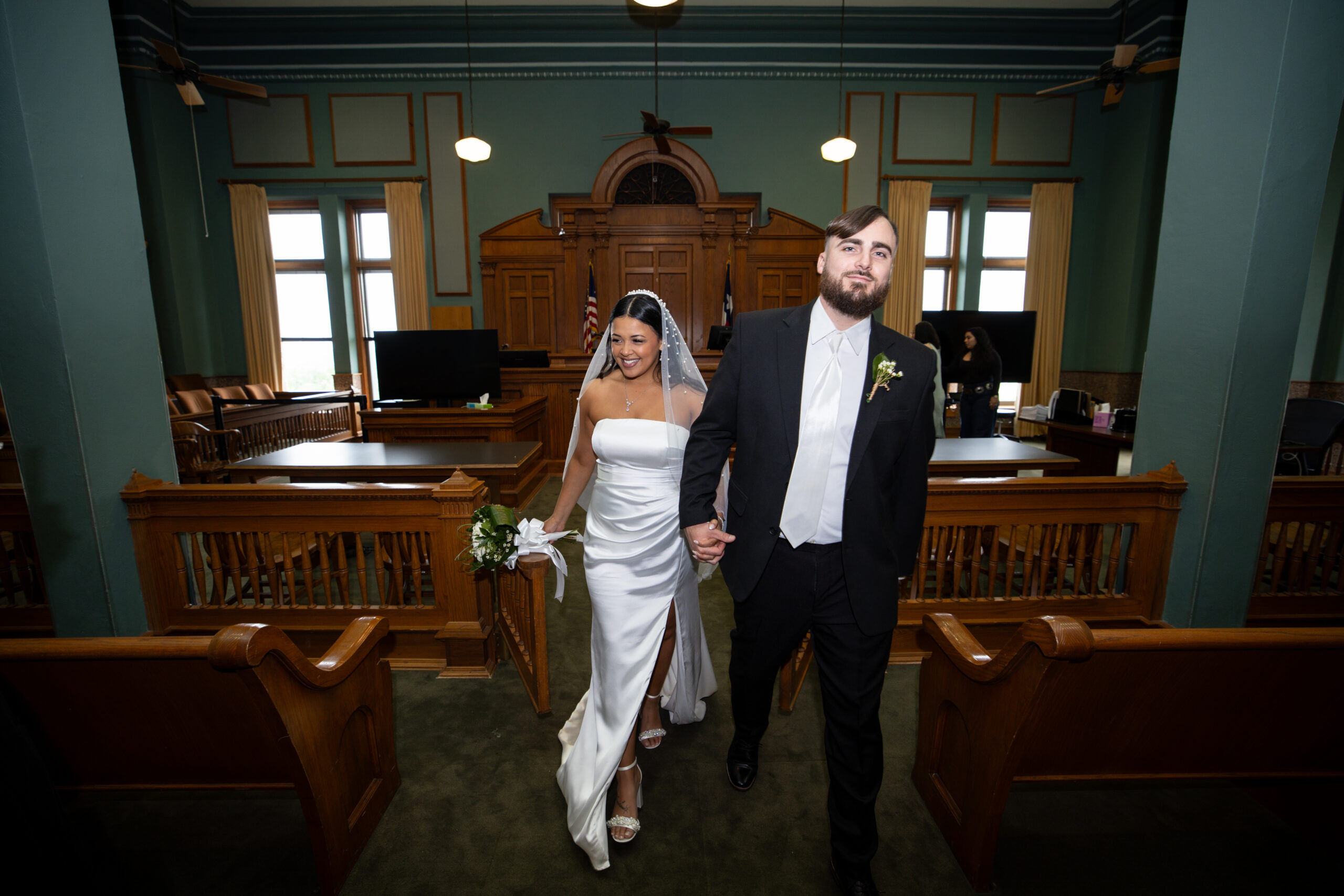
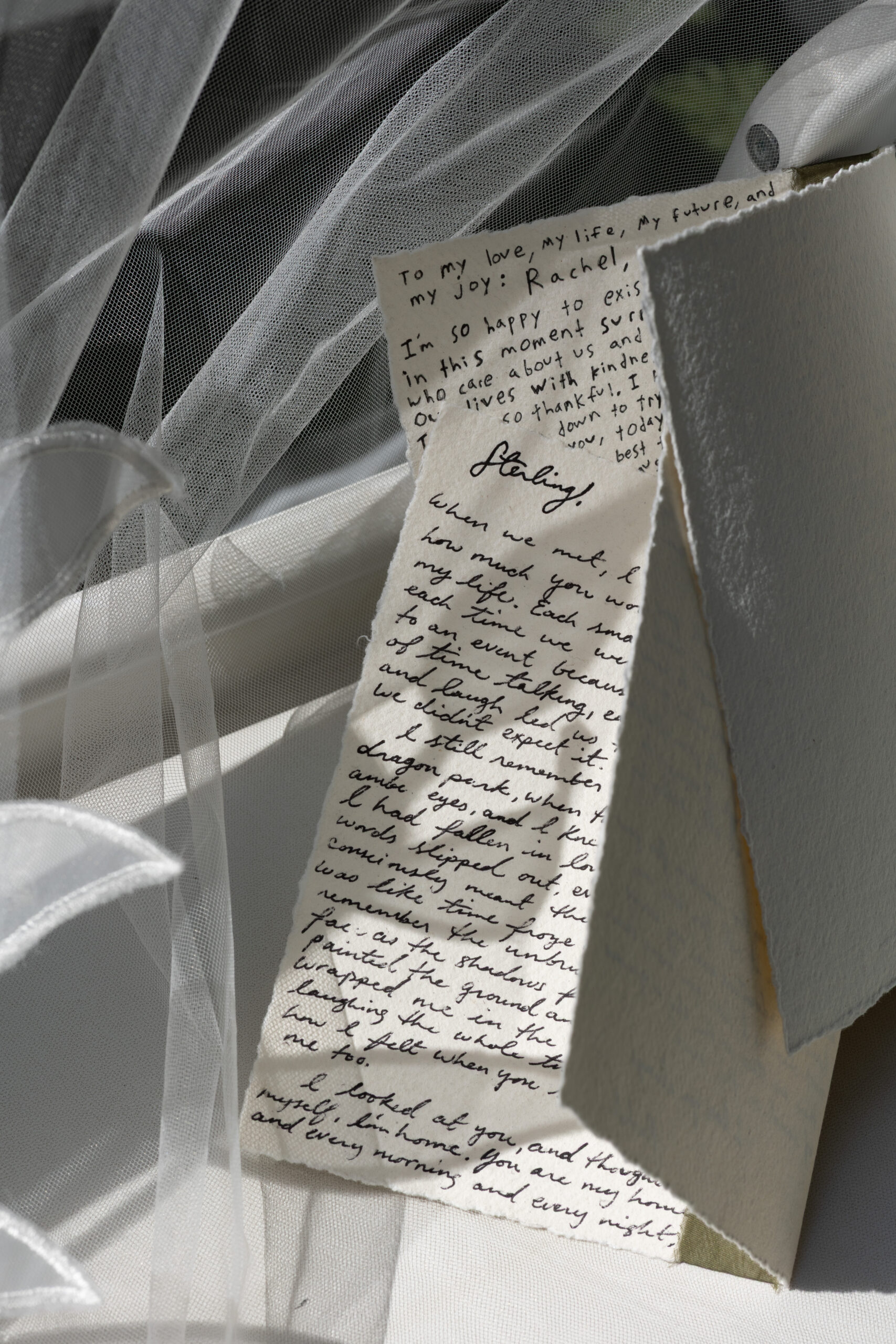
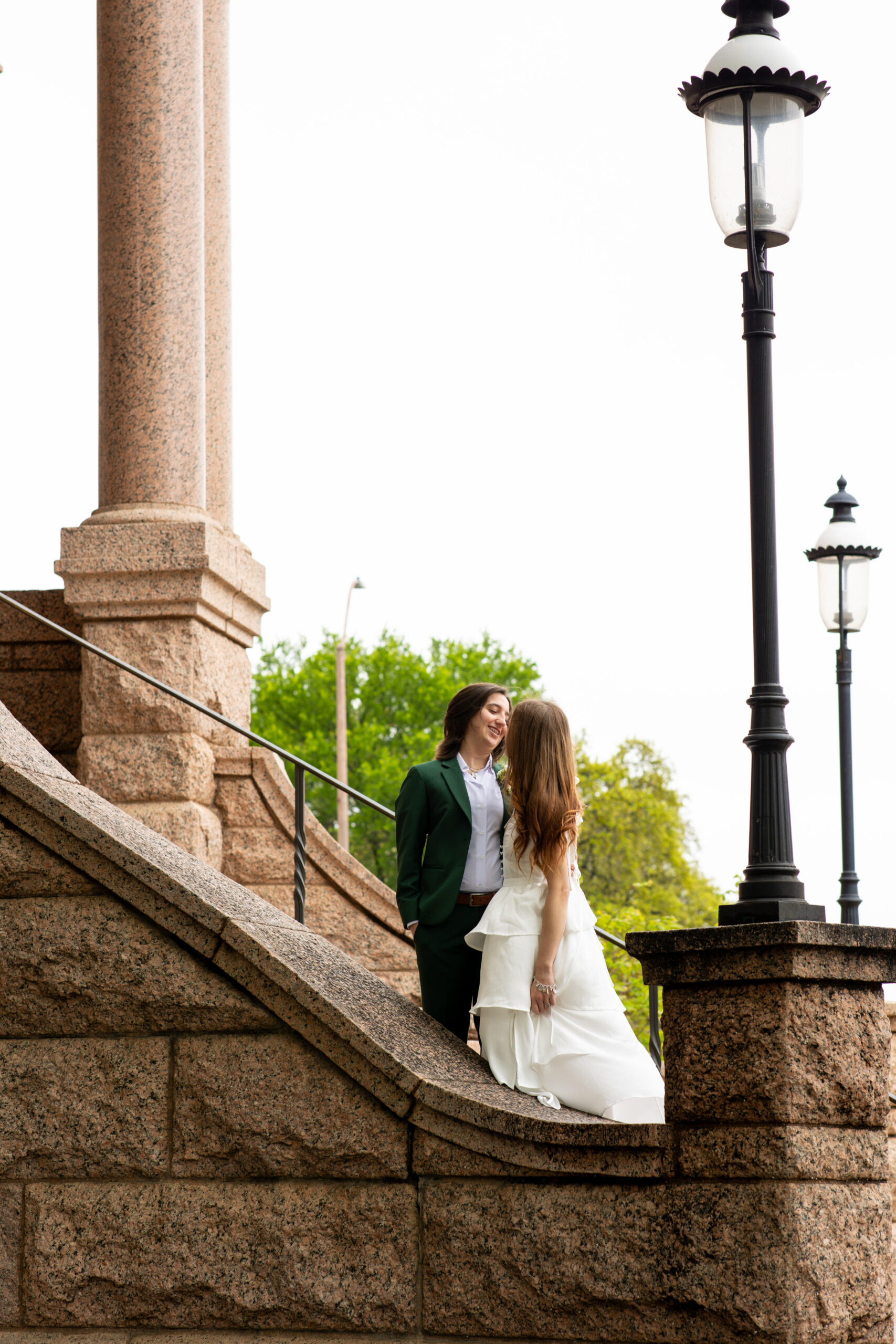
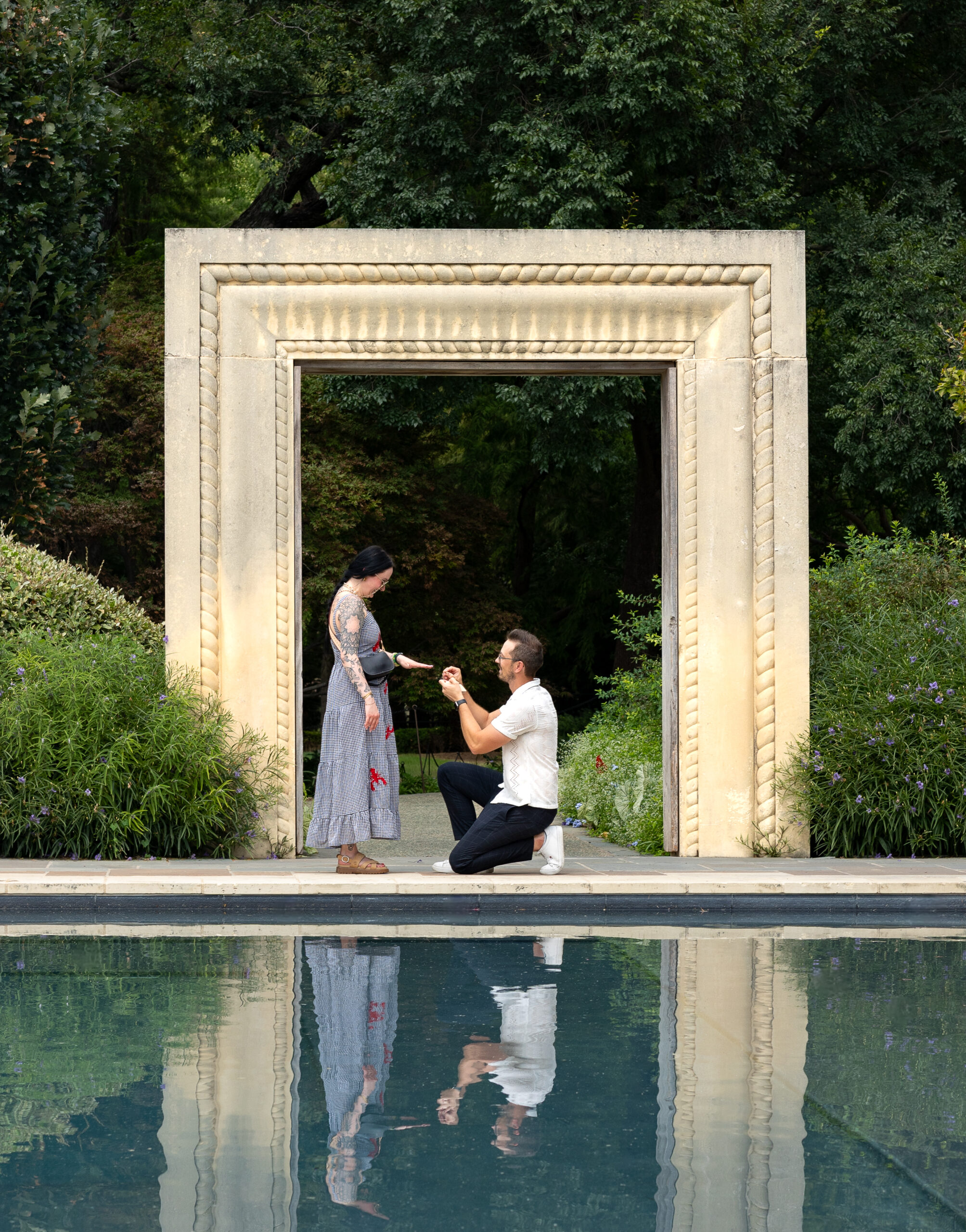
I thought I’d share something a little different today. Color palettes are making a comeback, so I thought I’d share my advice for how to create a wedding color palette in a few easy steps. I took a few photos from real weddings and threw them into Canva, then used their color gradient tool to create this little color palette! It’s a super easy process that anyone can do. Let’s get started!
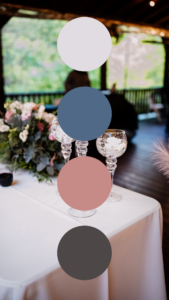
Wedding Palette Inspo
Whether you’re planning a colorful spring garden wedding or an intimate fall wedding, I thought this might be helpful to any engaged couples out there.
This is also a great way to brainstorm a wedding color palette for yourself. Take your favorite photo off your wedding board and pick out the colors that catch your eye the most – ta da! Instant color palette for your wedding day. I actually had a lot of fun doing this. It’s fun getting to use my photos in a new way!
Scroll down for spring wedding color palette inspiration, or save these to your Pinterest wedding board!
Build Your Palette
Step 1) Upload a photo to Canva
Step 2) Create a shape on the image – I prefer a circle for palettes!
Step 3) Use the Color Selector (in the shape format bar) to pick colors out of the image. Clicking a color will fill the shape.
Step 4) Repeat these steps to create a wedding color palette! (I recommend sticking to 4-5 colors max.)
Bonus Step: If you’re a Canva Pro member you have access to a Brand Builder. This is a great tool for saving multiple palettes at once!
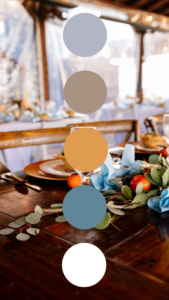
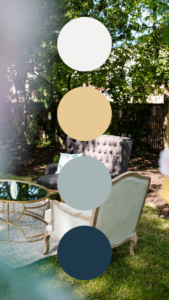
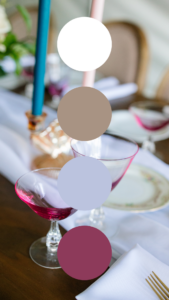
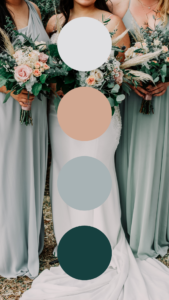
Wedding Color Palette Builder
I love all the cool, neutral tones and the pops of fun color. Which one is your fave? Grab a few of your favorite inspo photos from your Pinterest board and create your wedding color palette in just a few quick steps! Happy planning!
booking wedding + engagement packages
Can’t wait to hear from you,